GlobackX
Junior Member
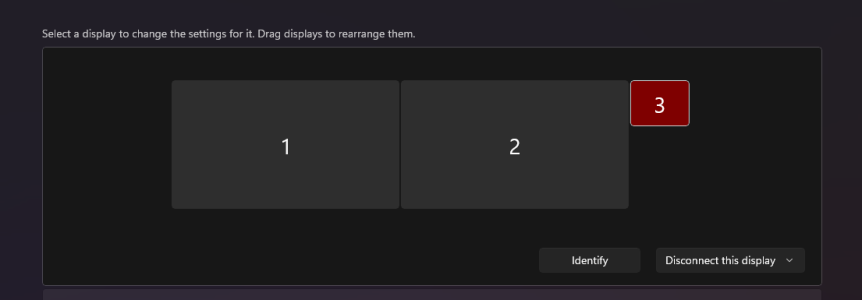
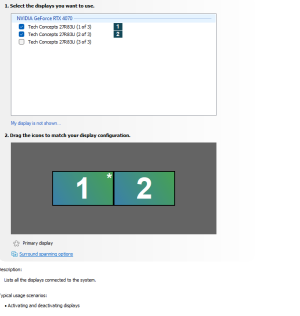
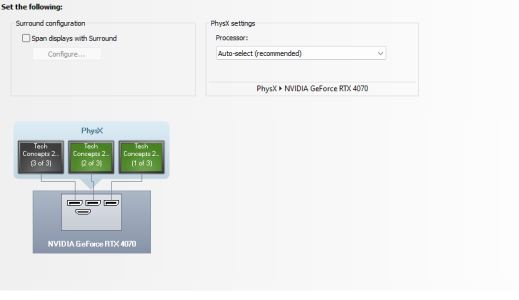
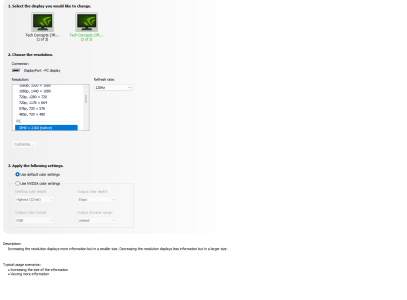
Hi everyone, I just bought 3 4K 160hz displays but when I connect them ( all three with dp 2.1) only 2 work the other one is detected but doesn’t display anything (when i disconnect one the other jumps ons and works fine) I’ve tried doing NVIDIA surround but when I enable it it just reboots my pc and turns surround off again. I’ve tried lowering the resolution , Hz and turning HDR on and off but I can’t get the three monitors to work simultaneously. I have reinstalled the Drivers ,Reset the monitors (and deleted them from device manager) used different cables (connecting them in order) etc. i tried it on Linux (ubuntu) and it worked fine 3x 4k 144Hz. but on windows 11 only 2 display anything at one time. Any help is appreciated.
System information:
Windows 11 10.022631 Build 22631
(Fresh windows install)
Nvidia Driver 560.70
(removed and reinstalled it a couple times)
Bios version F4
AMD Ryzen 9 7900X
B650M Gaming X AX (rev. 1.0/1.1/1.2)
Gainward GeForce RTX™ 4070 Ghost OC
not 100% sure about the brand but 32gb 4800Mt's from crucial
PSU i dont remember but its 850 watt
Monitor 3X TCL 27r83u
System information:
Windows 11 10.022631 Build 22631
(Fresh windows install)
Nvidia Driver 560.70
(removed and reinstalled it a couple times)
Bios version F4
AMD Ryzen 9 7900X
B650M Gaming X AX (rev. 1.0/1.1/1.2)
Gainward GeForce RTX™ 4070 Ghost OC
not 100% sure about the brand but 32gb 4800Mt's from crucial
PSU i dont remember but its 850 watt
Monitor 3X TCL 27r83u